

Daily series in the app
A daily series is a run of daily steps your organisation publishes: a reading plan, a course, a devotional. You join, get a reminder each day, read that day, tick it done and see how far you've got. Your organisation may call it something else, such as Reading plans or Devotionals.
Finding them
Open the menu and choose Daily series (under Church Life in the menu's group). It only appears when there's a series published for you, and some are kept to one group, so you may see ones a friend can't.
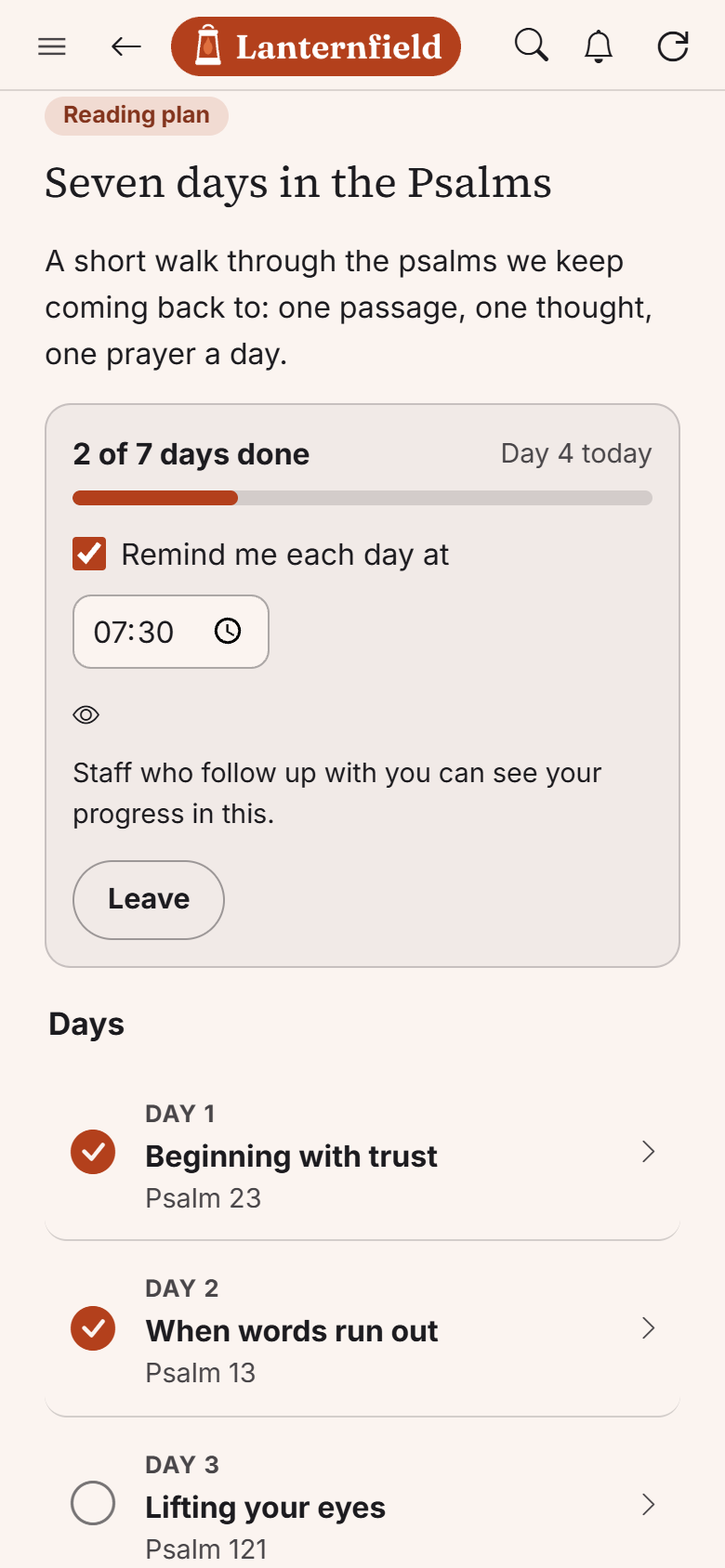
Joining
- Open a series to read what it is and how long it runs.
- Leave Remind me each day at ticked and set the time (it starts at 07:00), then choose Join. You need to be signed in.
- Each day at that time, in your time zone, you get a notification. Tap it to open that day.
To change the time, or turn reminders off, change it on the series page and press Save. Leave takes you out of the series. Joining, leaving and changing the reminder need a connection.
Each day
- Read the day's words, and follow its reference, recording or link if it has them.
- Press Mark as done when you've finished the day. It then reads Done. If you haven't joined, the day offers Join to tick off each day.
- Your progress shows on the series page, and you can start a finished series again.
A series works offline: it's kept on your phone, and what you tick is sent when you're next connected. Reminders need notifications to be on for the app.

Who can see your progress
Every series page says "Staff who follow up with you can see your progress in this". That means staff who follow you up at your organisation can see which series you're in, which day you're on, and whether you've finished or fallen behind.